
I’m used to traveling, and I have been doing that most of the time, and it’s always an amazing experience, but last year I decided to go and try the Camino Frances to Santiago de Compostela, and don’t get me wrong, it was THE experience, it went smoothly, and I totally recommend everyone to try it sometime… the issue came after I had just finished walking the Camino when weeks of early mornings, trails, small villages, and moments where gone.
I had hundreds, maybe thousands, of photos on my SD card. Then I made a mistake, and somewhere between transferring files and clearing space, I formatted my SD card. Just like that… everything was gone.
The first thing that crossed my mind was checking my laptop, nothing… then I checked cloud services, nothing… It felt like I was losing part of the experience, all those moments I thought were immortalized in pictures, all of them, gone.
So I did what most of us do in panic mode: I searched for a solution, and after trying a ton of apps and methods, I found Stellar Photo Recovery.
What Is Stellar Photo Recovery and Why I Chose It
There are a ton of recovery tools out there, and to be honest, at first I was overwhelmed… nothing was working, some looked sketchy, others just wanted your email, and a few others didn’t even seem trustworthy.
Of course, at the beginning, Stellar Photo Recovery was just another tool, but this one at least stood out on the positive side and for good reasons:
- The page looks good, is clean, and intuitive to use.
- Their experience is easily seen (over 30 years of experience!).
- It was selected as Editor’s Choice by industry leaders (Digital Camera World)
- Reviews looked good (and natural).
- No hidden information, supported formats, prices, uses, and everything was there.
It just checked all the boxes, but the most important for me was the fact that it’s focused specifically on photos and media files. That’s exactly what I needed. I didn’t care about recovering documents or random files; I wanted my Camino photos back.
Another thing that stood out to me was that it claimed to recover files from formatted SD cards. That was my exact situation. Not deleted. Not lost. Completely formatted.
And after trying a ton of other apps and software, I figured I had nothing to lose at this point… so I went for it.
Installing and Getting Started (Was It Complicated?)
I’m not a techie person, yeah, I know… I run several websites, but when it comes to other stuff related to laptops or smartphones, I’m just clueless. So, I was expecting this part to be a headache, but thankfully it wasn’t.
Downloading and installing Stellar Photo Recovery was pretty straightforward. No misleasing stuff, just a lick, and your download starts. Same for installing it, no confusing setup, no weird steps.
Within minutes, I had it running on my laptop.
The interface looks clean and simple, straightforward. It didn’t look like something built for tech experts only.
It asked me one main thing: what do you want to recover?
Photos. Easy choice.
Then I clicked next and selected the SD card. The same one I had formatted after the trip, and it started scanning.

Scanning My Formatted SD Card: What Happened Next
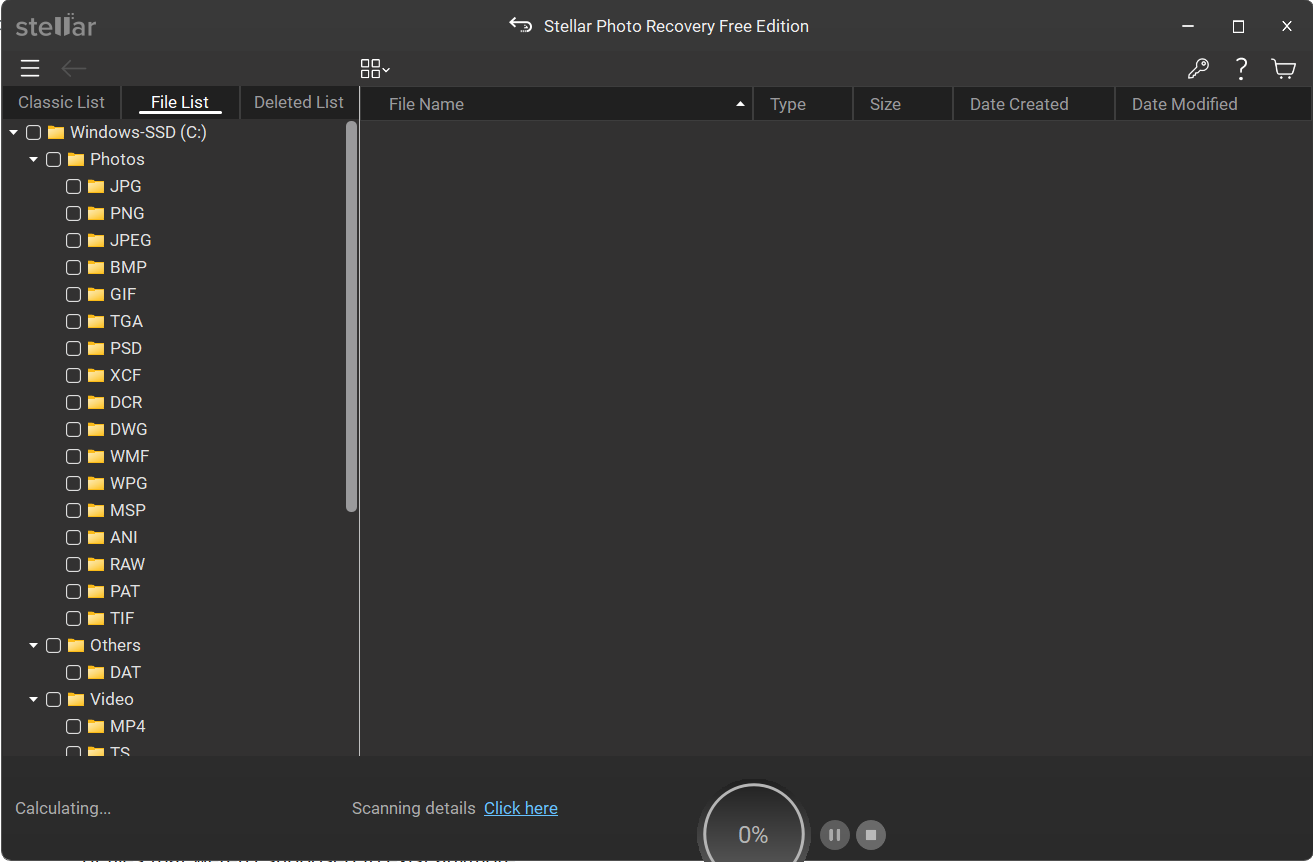
Once I started the scan, I realized this wasn’t going to be instant (I know that recovering stuff takes time, but don’t judge me! I lost all my photos, my hope was on this software!). The software was digging through a formatted card, trying to find traces of files that weren’t supposed to exist anymore.
The scan took a while. If you’re impatient like me, this part can feel long, but t I reminded myself: I had walked hundreds of kilometers, surely I could wait a bit longer.
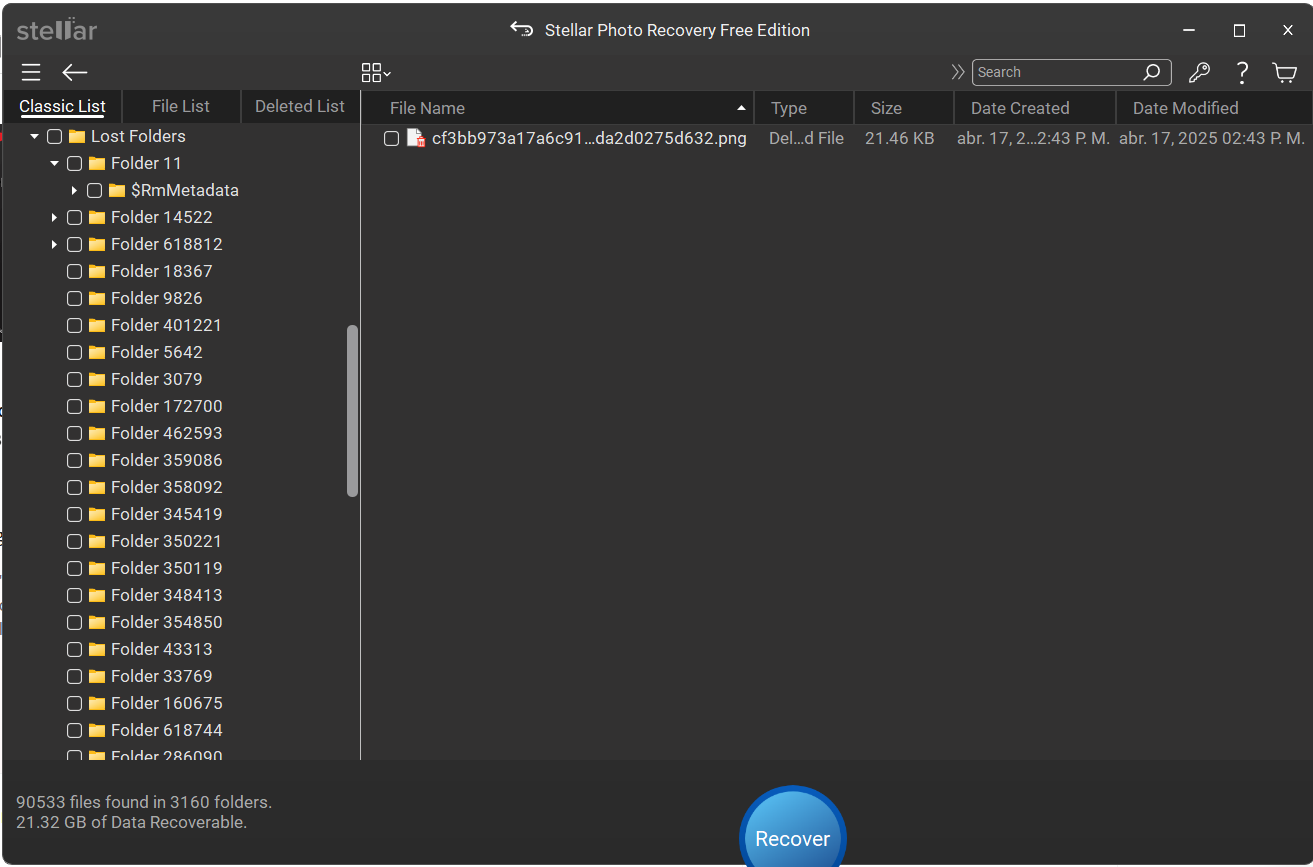
As the scan progressed, something interesting happened. Files and folders started to show up. At first, just a few. Then more. The entire folder’s worth of images began to show up in the preview.
Did It Actually Recover My Camino Photos?
This is the part most of us care about, right? And the short answer is: Yes. It did, and not just a handful of photos, no, a huge portion of them… even photos from a whole year back I didn’t even know I had lost.
I could scroll through the folders and check the previews of my photos, at least some of them; some others said that the preview wasn’t available, but those still came out ok after the recovery.
Now, were all files perfectly recovered? Not 100%.
Some photos were corrupted or partially damaged, but the vast majority? Completely usable, and that’s what mattered.
Out of everything I lost, I got most of it back. Enough to rebuild the story of the trip (which is already uploaded on the website).
The Pros and Cons From My Experience
No tool is perfect, and I don’t think it helps anyone to pretend it is, but it actually did its job, and after trying other apps without success, using one that actually works feels… almost perfect?.
As a non-tech person, what I enjoyed the most was how simple it is to use. I didn’t need to watch tutorials or figure out complicated settings. It guided me through the process in a way that made sense.
The installation process was straightforward; I just clicked “Next” until it finished, and it was done in a few mins. The recovery itself was the biggest win. Getting back photos from a formatted SD card isn’t something I expected to work so well.
As a downside, I could say that the scan time was slow, but compared with the other one I tried, this one was okay, after all, recovering media is not a simple task.
Also, the free version lets you scan and preview files, but you’ll need to pay to recover more than 10 files.
So, get ready if you’re looking to restore a huge amount of data. That’s something to be aware of.
Is Stellar Photo Recovery Worth It for Travelers?
I gave it some thought for several days, and I came to the conclusion that if you travel often, this kind of tool feels like a safety net in case you’re like me.
And not only to travelers, bloggers, influencers, and YouTubers… after all, we rely so much on our devices, cameras, drones, phones, but we don’t always think about what happens if something goes wrong.
Not only that, but when you’re on the road, you don’t always have perfect backup systems in place, so maybe there’s no cloud backup…
For me, Stellar Photo Recovery became one of those tools I didn’t think I needed… until I really did.
Would I recommend it? Yes, especially if your trip involves important photos you can’t recreate.
📖 Recommended Reading: If you’re looking for more useful reviews, check those out:
Conclusion
While recovering files, especially photos, is not an easy task, Stellar Photo Recovery did a good job; it worked better than the average recovery tool, and the fact that it works so well, on top of it easy-to-use approach and clean interface, makes it a great tool.
Losing my Camino photos was a mistake that erased part of the experience, the one I wanted to immortalize, and yes, it was frustrating, stressful, and honestly a bit heartbreaking, but this app changed the outcome completely.
Would I trust it again? Yes.
But more than that, I’d also be smarter next time… more backups, cloud storage, and less rushing when handling files.
Still, it’s good to know that if things go wrong, there’s a way back.
FAQs
Yes, that’s exactly what I used it for. Even after formatting, it was able to find and recover many of my photos.
From my experience, yes. The interface is simple, and you don’t need technical knowledge to get started.
Not all. Most of my files were recovered successfully, but a small number were damaged or didn’t open.
It depends on the size of your storage. For my SD card, it took a while, so patience is key.
I’d say yes. The free version only lets you recover 10 files and seeing your files in preview, but not being able to save them would be frustrating otherwise.
Last Updated on April 17, 2026
